Articles · updates · ideas

Blog

Articles, product updates, photos, and stories from behind the scenes at DarkSoft.

Posts
4
Latest update
13 August 2026

From DarkSoft

Latest posts

DarkSoft

SecureNote

Private notes. Productive flow. No learning curve.

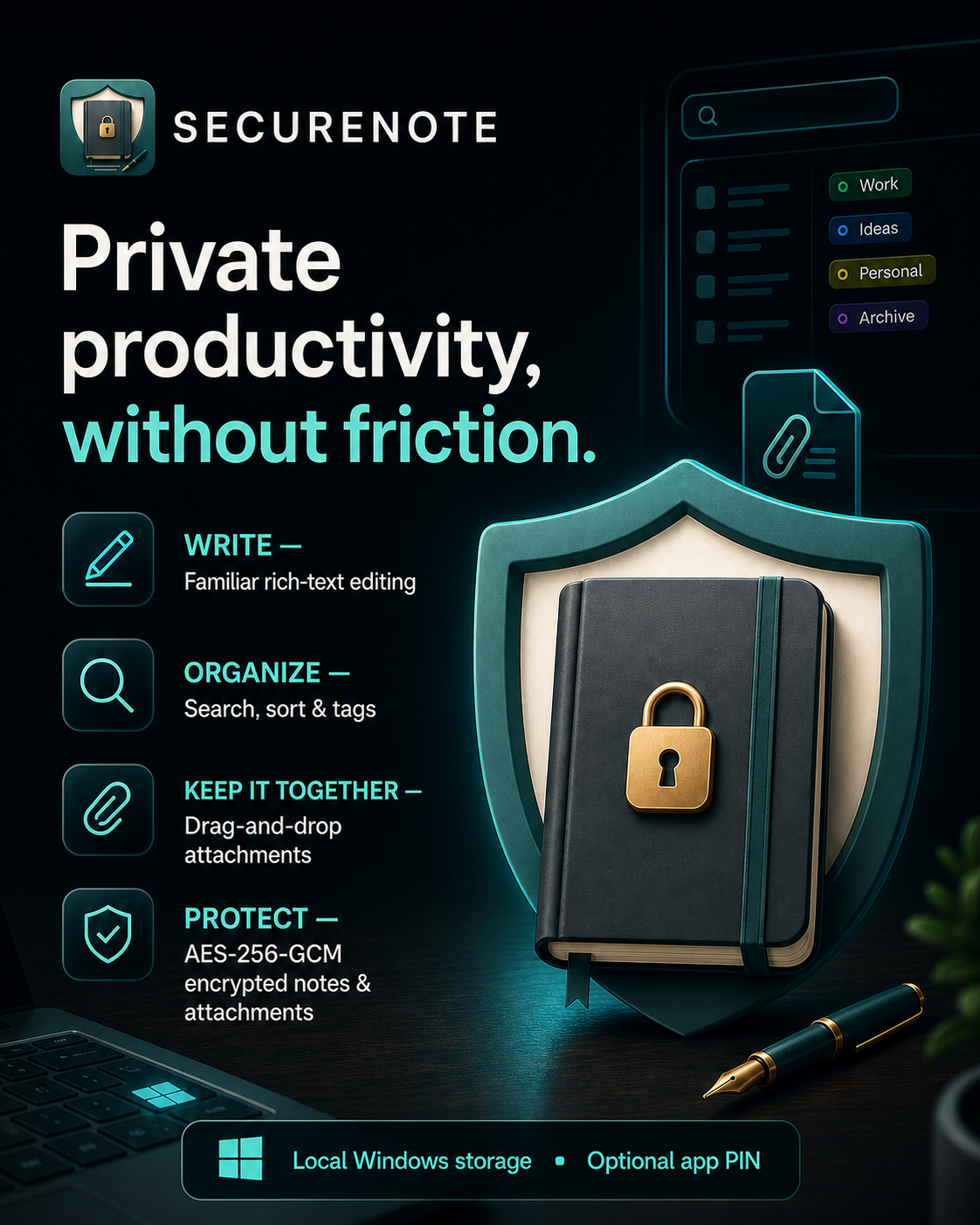
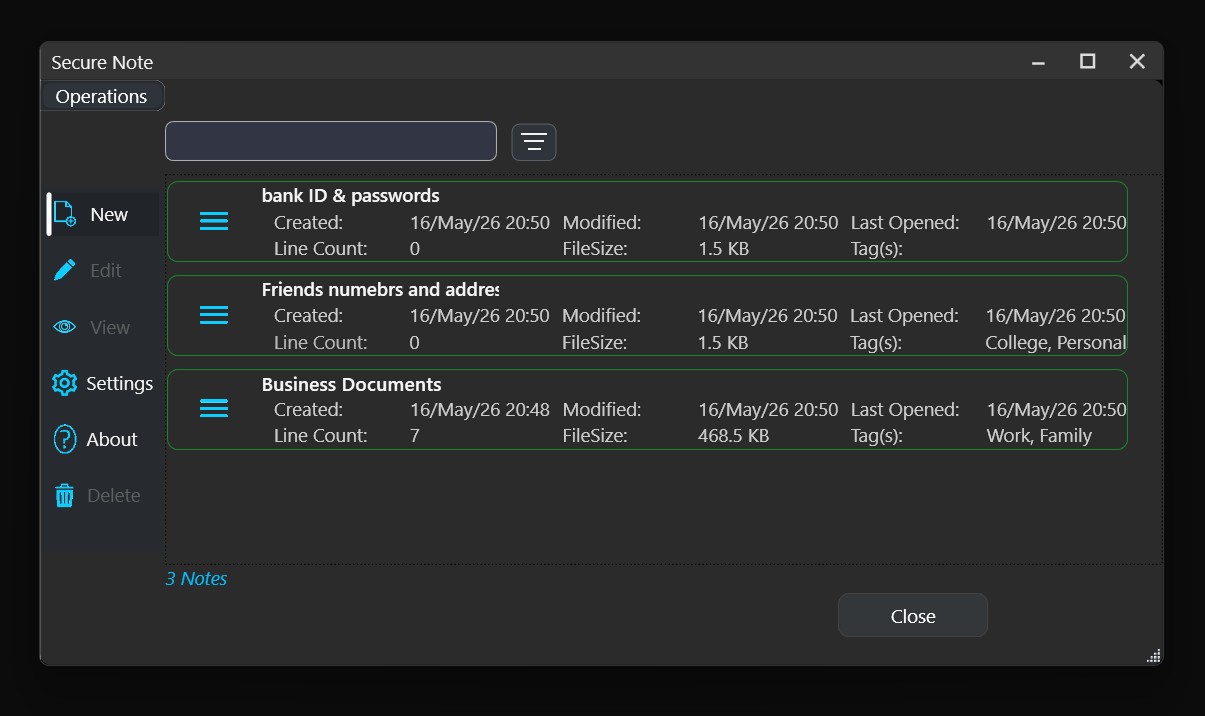
SecureNote gives you a familiar rich-text workspace where you can write, format, tag and attach files without disrupting your focus.

Find notes quickly with search and flexible sorting.

Keep projects organised with tags.

Drag documents and images straight into your notes.

Protect note content and attachments with authenticated AES-256-GCM encryption.

Keep your data stored locally on your Windows account.

Add an optional app PIN for another access checkpoint.

Create backups and restore with added safeguards.

Write it. Tag it. Attach it. Find it when it matters.

Private productivity, without friction.

Share
Facebook X LinkedIn WhatsApp Email
SecureNote
SecureNote — Private productivity, without friction.

DarkSoft

Dream Recorder

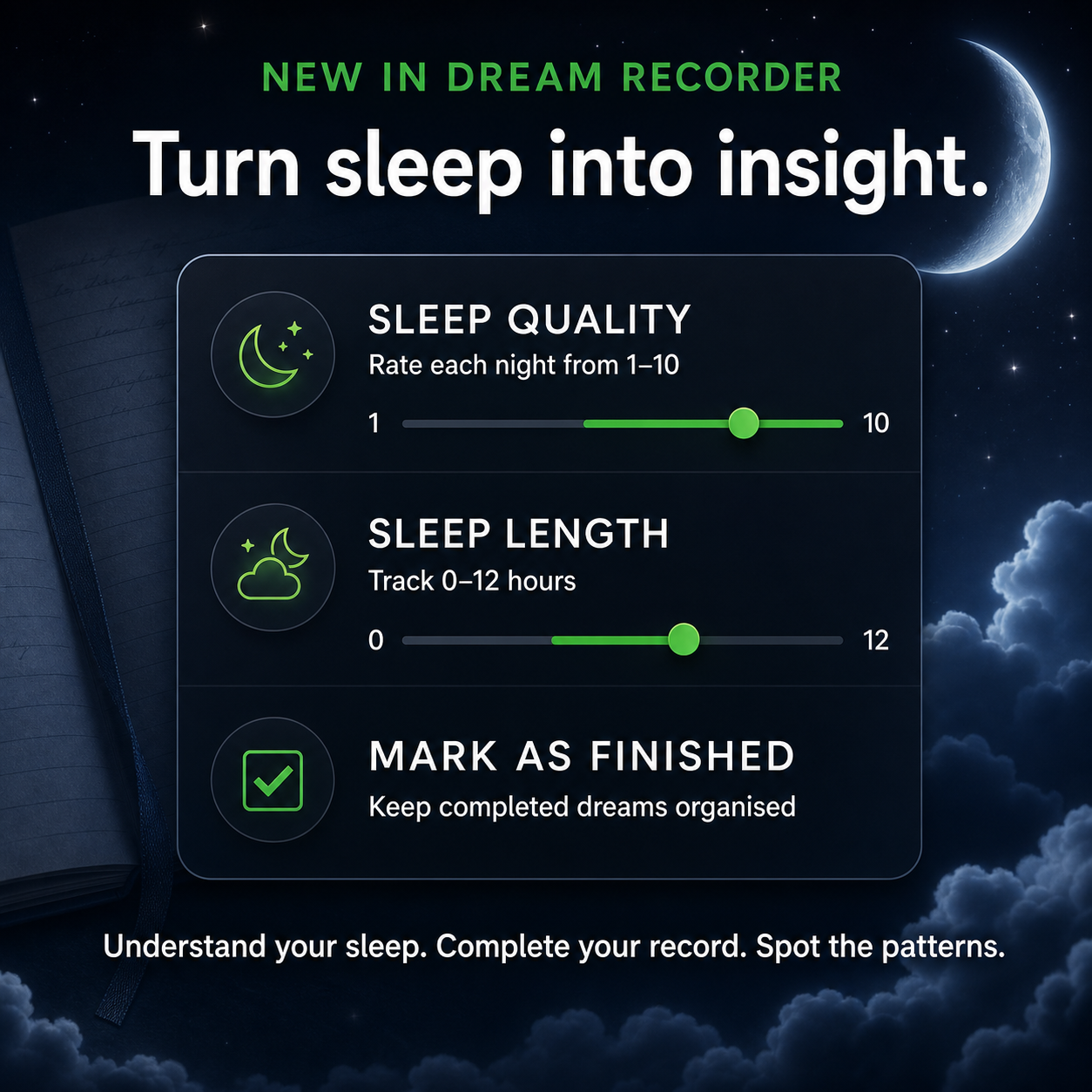
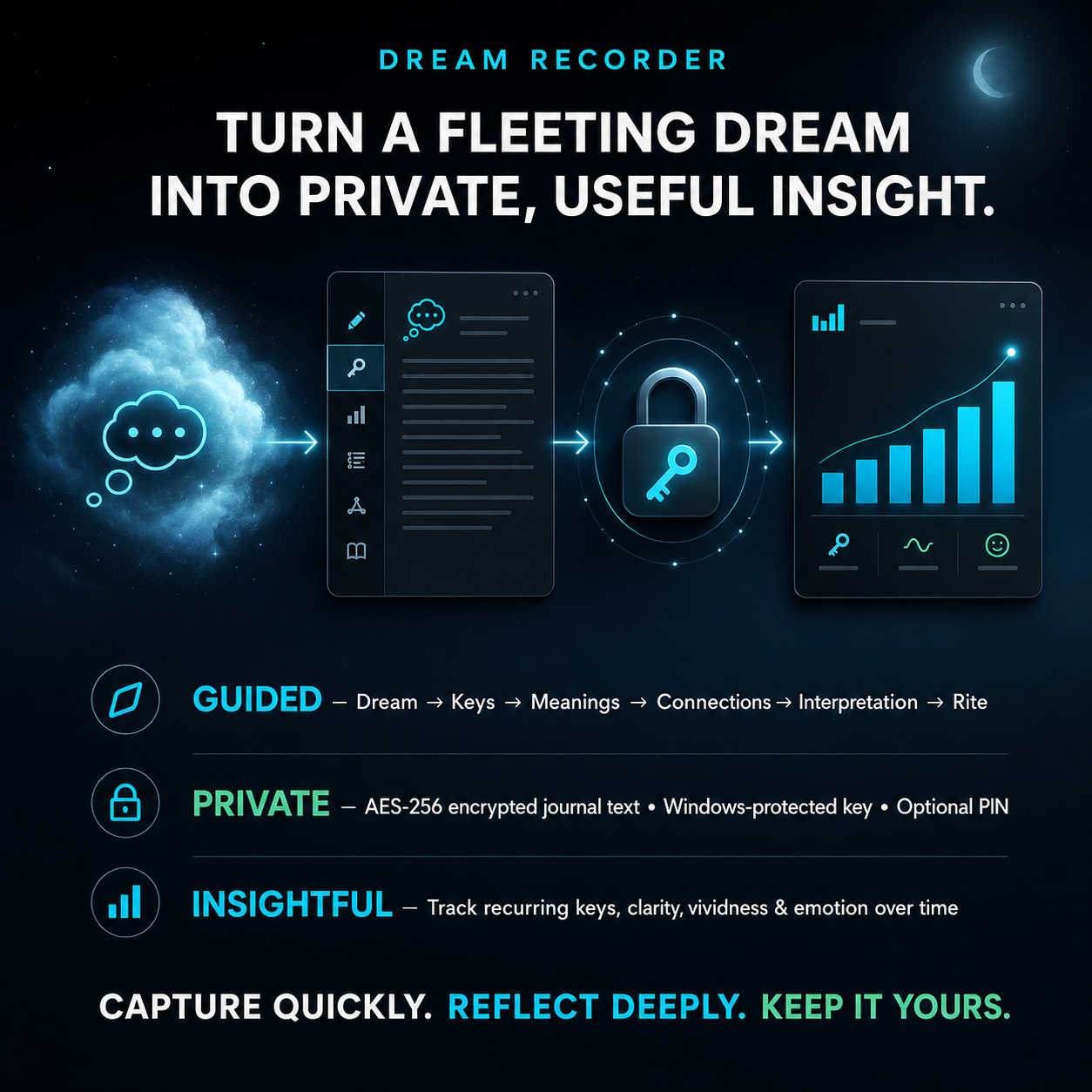
Your dream can fade before breakfast. Dream Recorder helps you capture it—and turn it into something meaningful without making reflection feel like work.

Follow a clear path:

Dream → Keys → Meanings → Connections → Interpretation → Rite

As your journal grows, visual statistics reveal recurring symbols and trends in clarity, vividness, emotion, pleasantness, length, and coherence.

And because dreams are deeply personal, written journal fields are AES-256 encrypted. The encryption key is protected for your Windows account, with an optional PIN for app access.

Capture quickly. Reflect deeply. Keep it yours.

Share
Facebook X LinkedIn WhatsApp Email
Dream Recorder
Dream Recorder — Capture Your Dreams.

Password Vault Manager

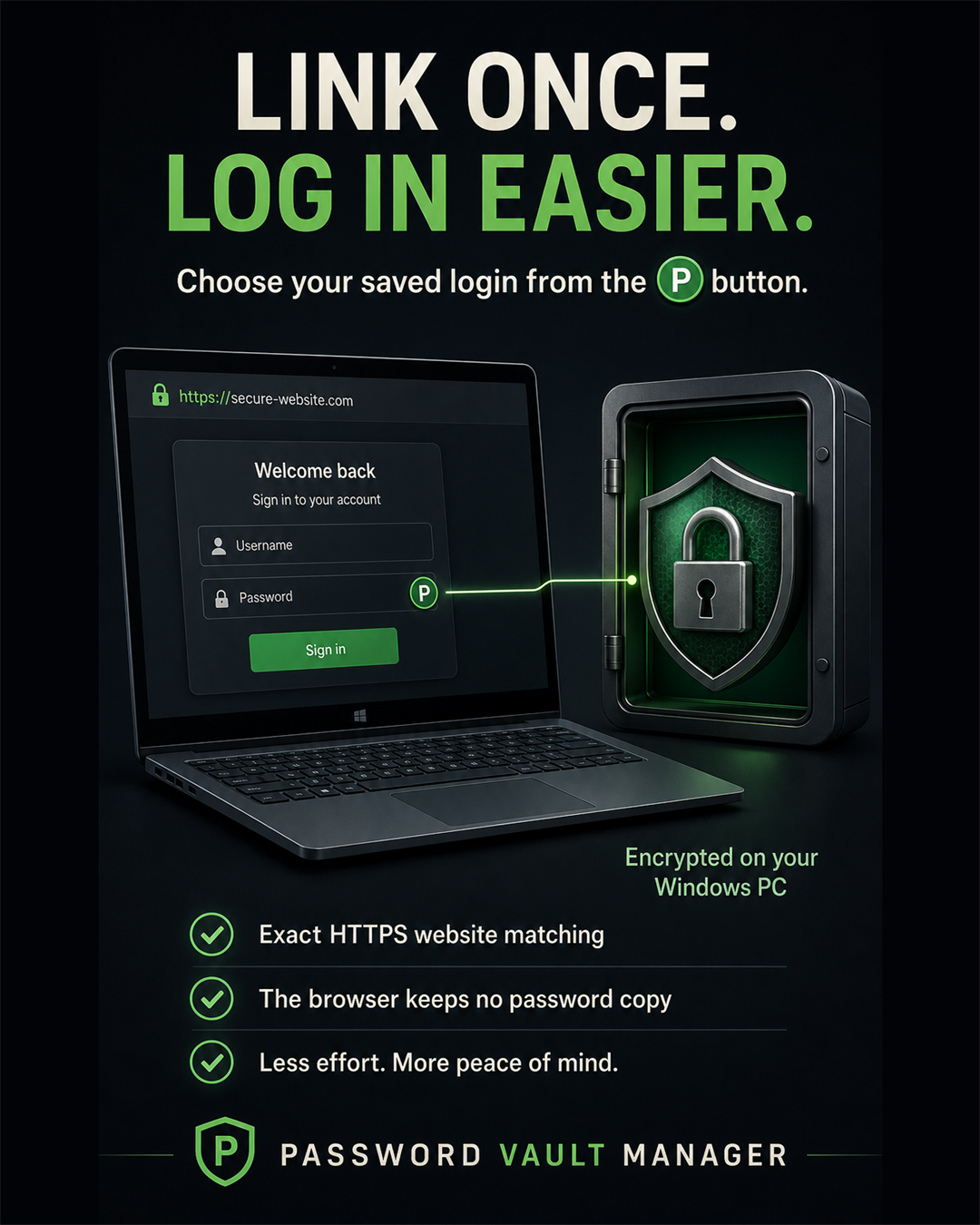
Your password manager shouldn’t make security feel like another job.

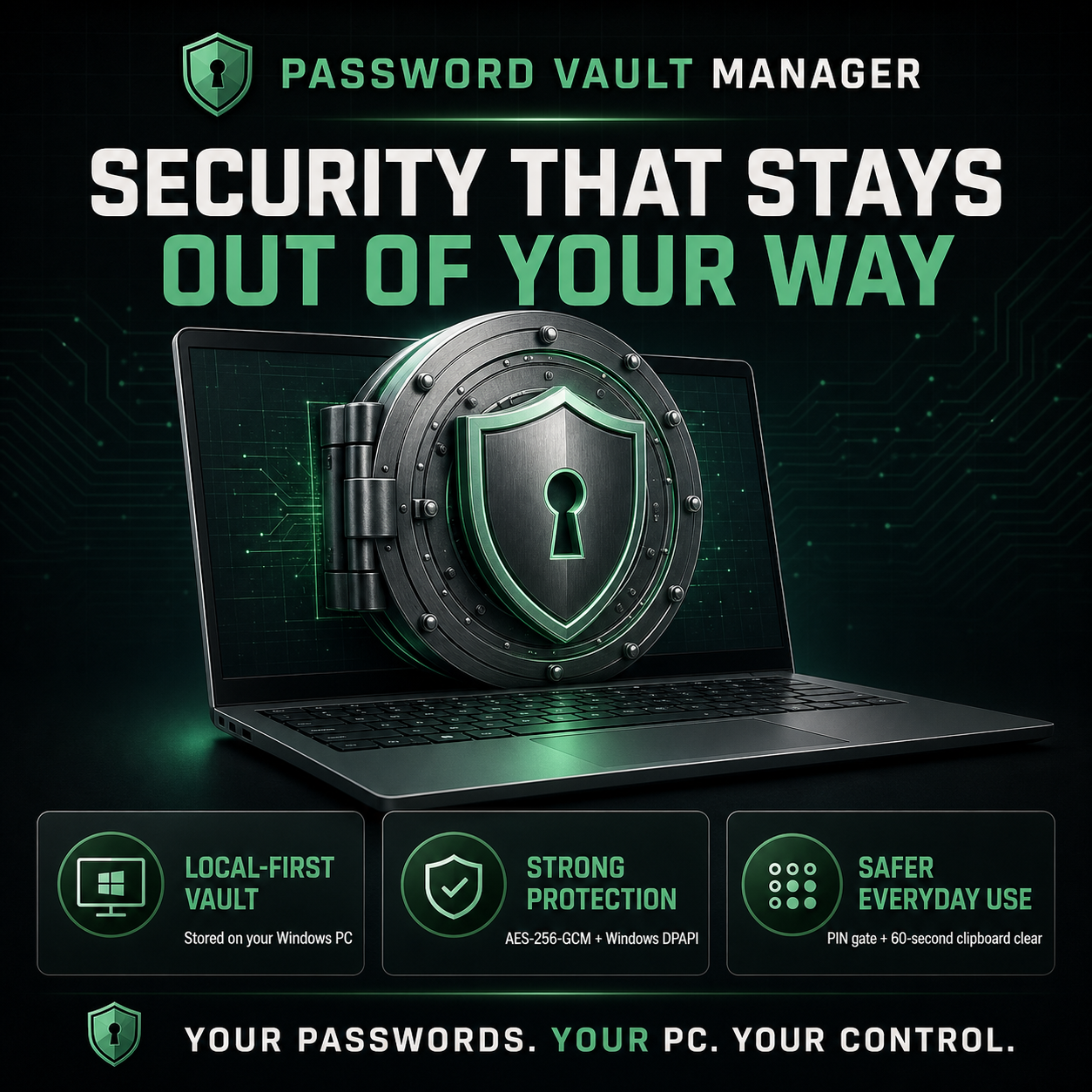
Password Vault Manager stores your vault locally and protects credential fields with authenticated AES-256-GCM encryption.

The encryption key is secured for your Windows user, the optional PIN uses salted PBKDF2 protection, and copied passwords automatically leave the clipboard after 60 seconds.

All that care, without the clutter: generate stronger passwords, see strength feedback as you type, search, filter, sort and group entries, then copy what you need in a click.

Your passwords. Your PC. Your control.

Make the safer choice the easy one with Password Vault Manager.

Share
Facebook X LinkedIn WhatsApp Email
Password Vault Manager Stylised Image
Password Vault Manager - The best Password Manager in the world.

DarkSoft

Welcome to the DarkSoft blog

This blog is the new home for DarkSoft articles, product updates, ideas, and stories from behind the scenes.

Future posts will share news and follow individual products as they change, with photos and notes gathered along the way.

Share
Facebook X LinkedIn WhatsApp Email
Secure Note main workspace filled with notes
Secure Note
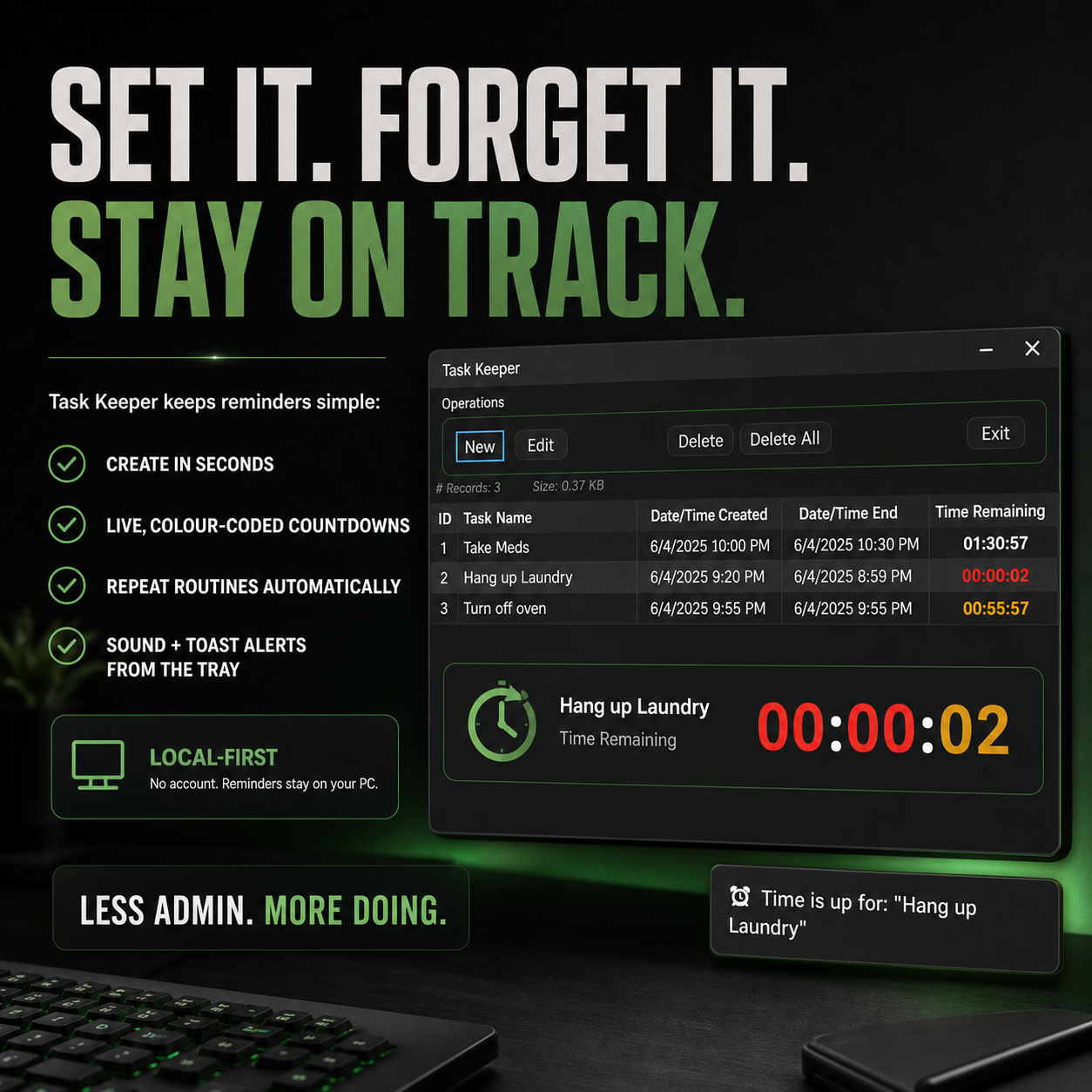
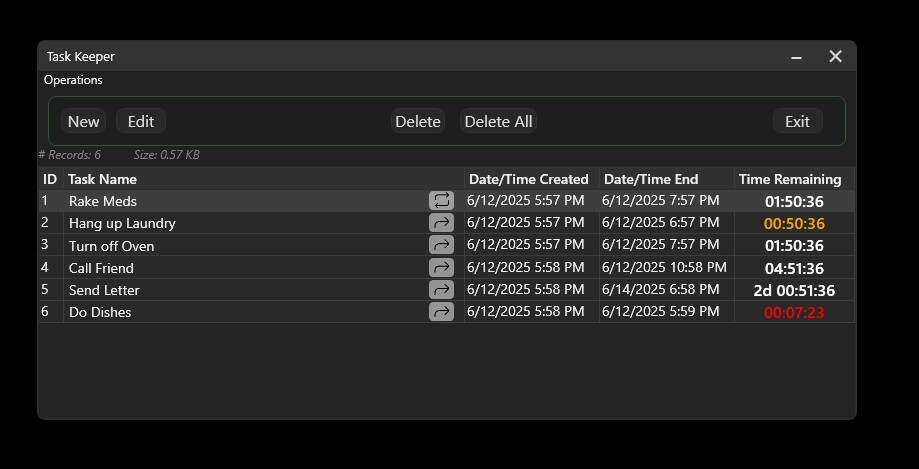
Task Keeper main screen showing scheduled tasks
Task Keeper — simple on the surface, with the decisions behind that simplicity captured in future entries.